





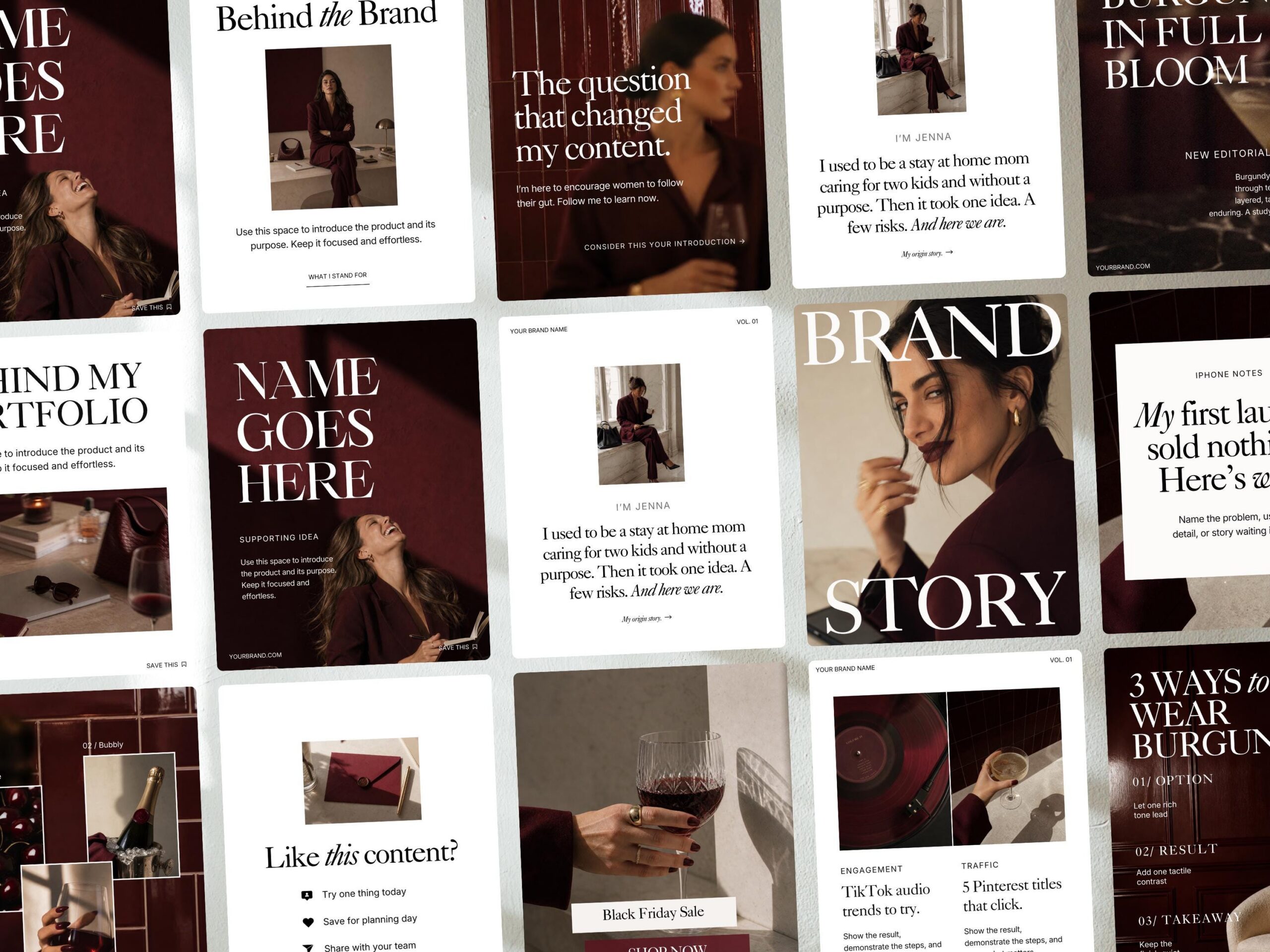
I love the way a magazine moves between a full-page photo, a big headline, and a page you want to stop and read. I wanted to bring some of that rhythm to the Burgundy Canva Instagram Templates. There’s deep red, warm ivory, and room for both a beautiful photo and a story that takes a few slides to tell.
The Burgundy template collection includes 50 editable portrait layouts for Instagram posts and carousels. You can use a single page to introduce yourself or string a few together to explain how you work. Here’s where I’d start.
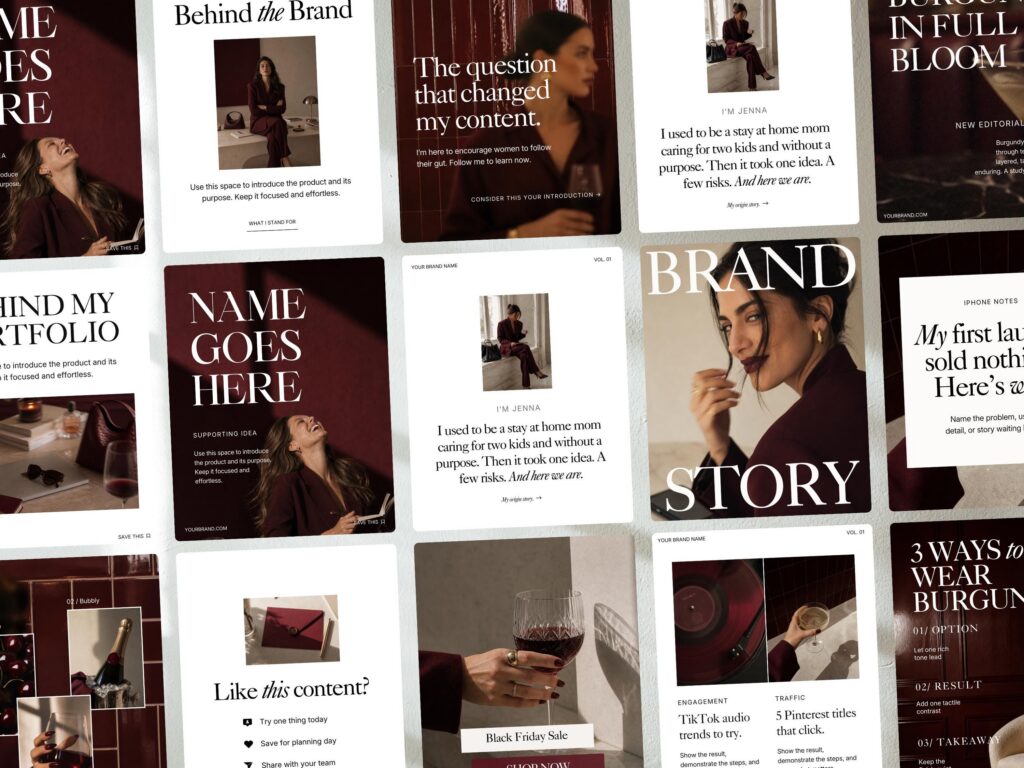
Use Canva carousel templates to tell one story
If you’re a designer, coach, or service provider, a carousel is a good way to answer a question you hear all the time. Pick one question and give each slide a job.
For example, a brand designer could build a five-slide carousel around “What happens before I design your logo?”
- Cover. Put the question in large type on a burgundy background. It tells readers exactly what they’ll get from swiping.
- Start with the conversation. On an ivory slide, explain what you ask about their business and who they want to reach.
- Show part of your process. Add a photo of your sketches or mood board, with one sentence about a decision you made and why.
- Explain what they’ll see next. Tell them how those early decisions shape the first design direction you share.
- Give them a next step. If you have a services page, invite them to read about your process through the link in your bio.
Write the five slides before you choose the layouts. You’ll know which pages need space for text and where a photo can show something you’d otherwise have to explain.
Make the Burgundy layouts feel like your brand
Start with a layout you can see yourself using more than once. I’d pick a cover, a page for a short explanation, and a closing slide. Swap in your own fonts and photos first, then look at the three pages together.
If your brand already uses a warm neutral, try it on the ivory pages. You can keep the deep red for the cover or use it as a smaller accent. Check the slides on your phone before you export them. If a paragraph feels crowded, try cutting a sentence or splitting it across two pages.
Once you have a set you like, duplicate it for your next post. A familiar cover can tie a series together while the photos and headlines give each post its own reason to be read.
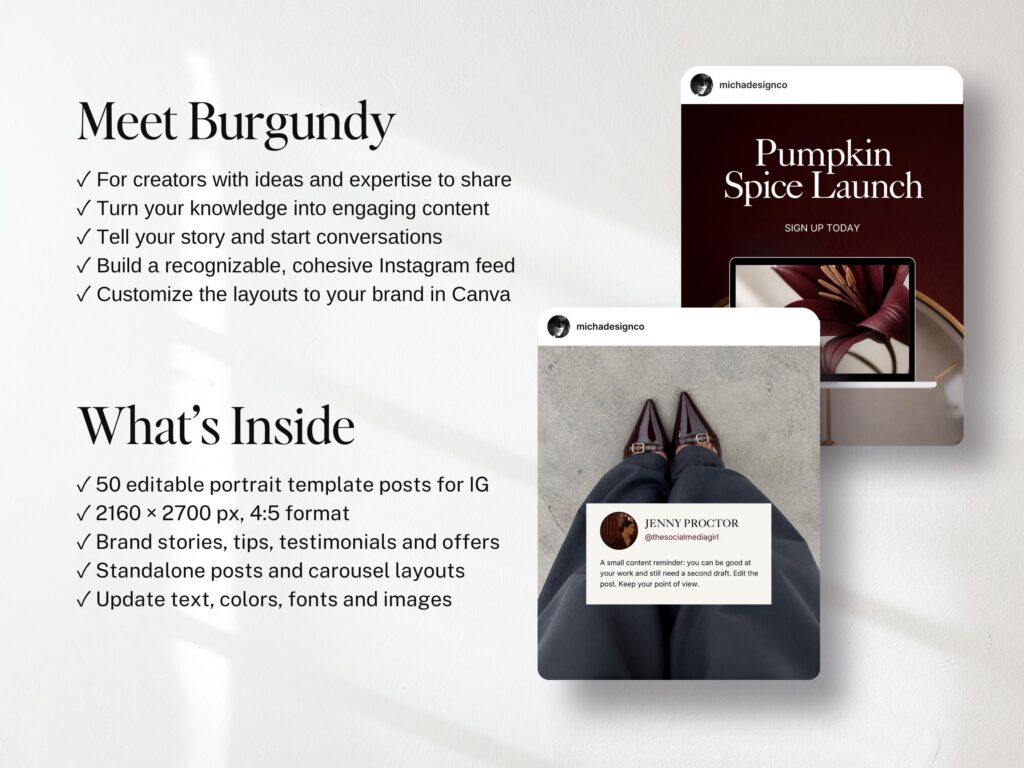
Pair the Instagram templates with Burgundy stock photos
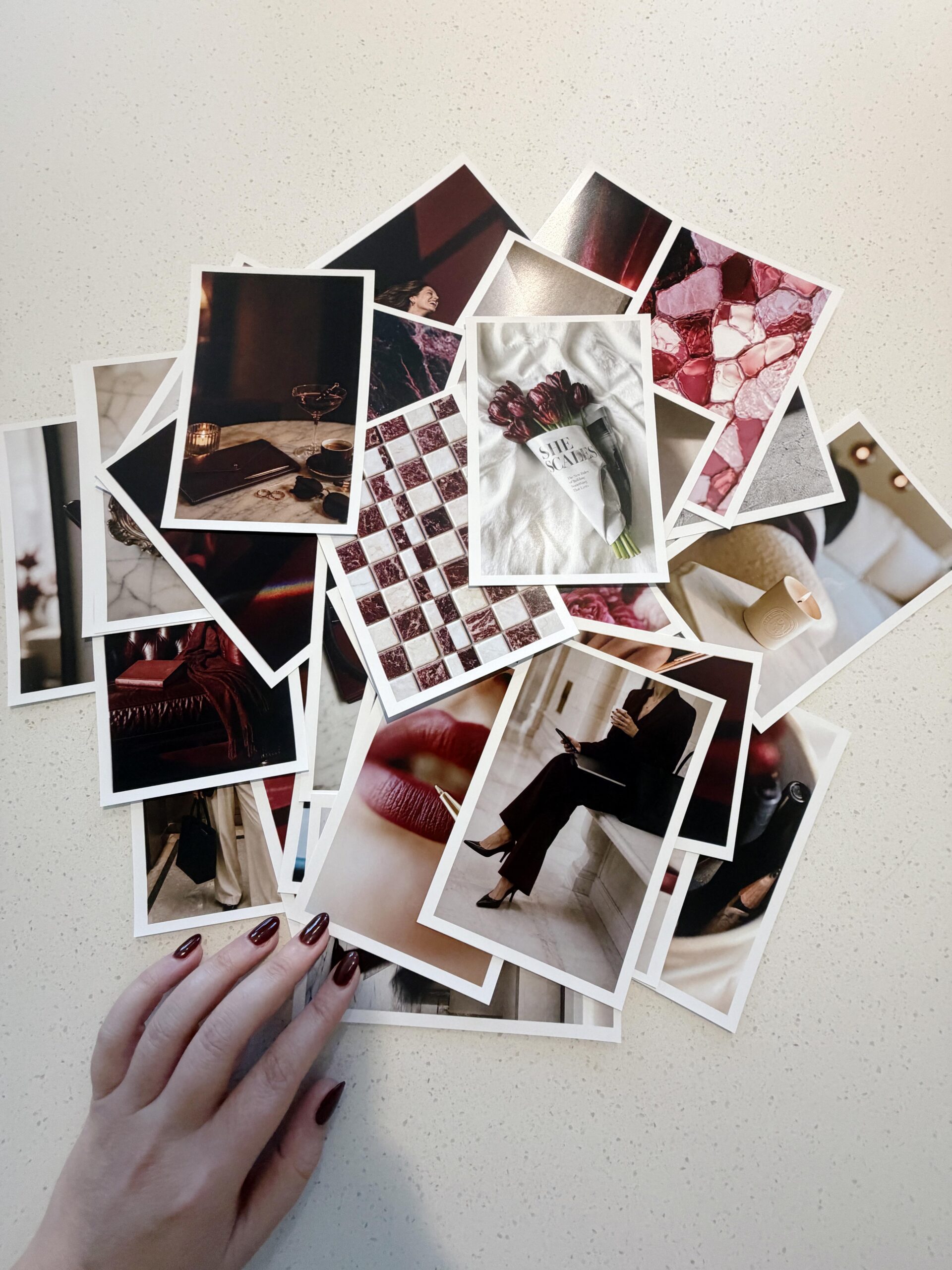
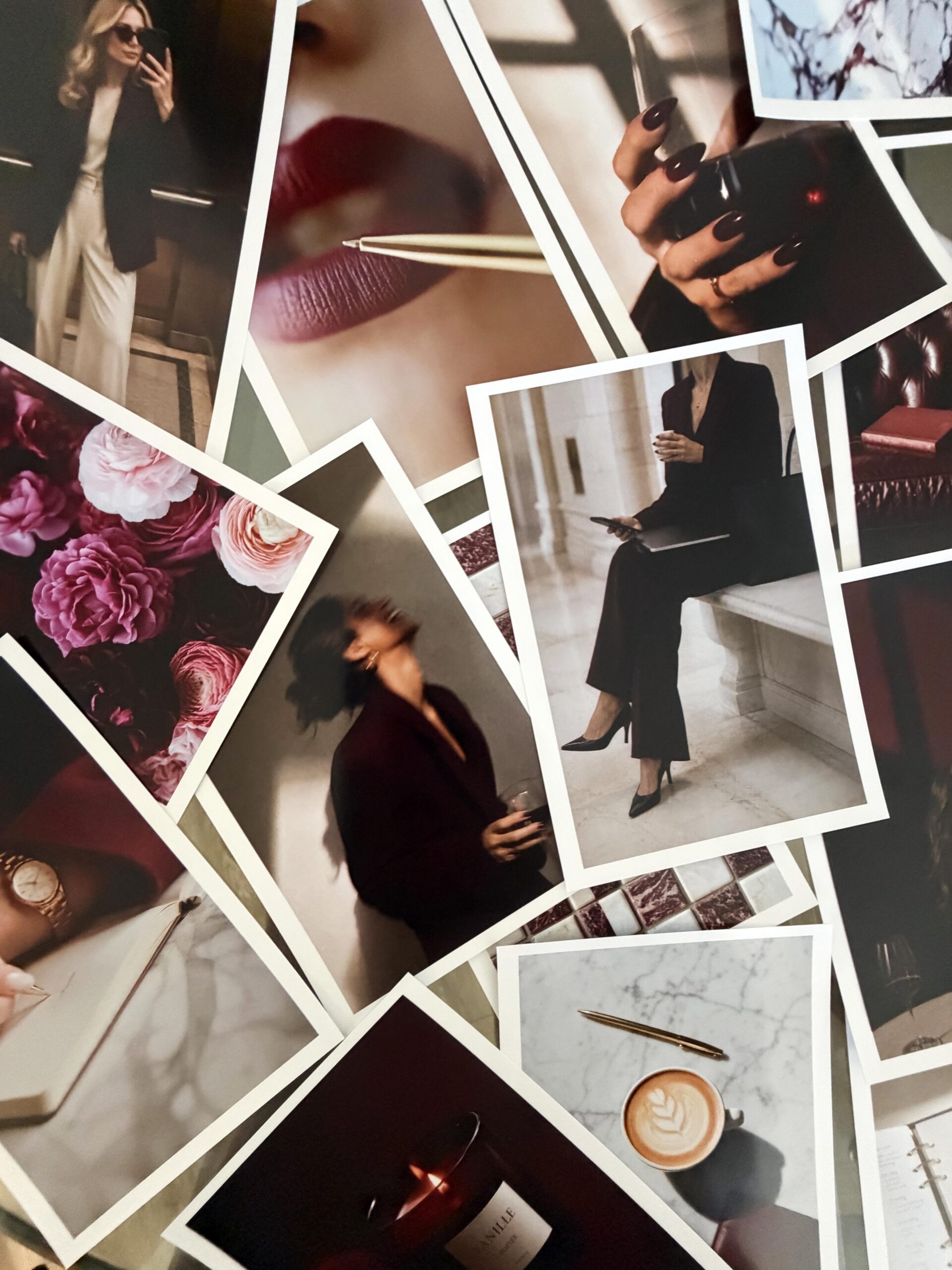
The templates include selected AI-created images, and you can swap them for your own photography in Canva. I’d use your own headshot for an introduction or a real project photo for a case study. A stock image can be a good fit for a cover about your creative routine or an educational post where the photo sets the mood.
If you want more images for your Instagram posts, website, or newsletter, the full Burgundy Stock Image Collection is sold separately.
Take a closer look at the Burgundy Canva templates
Open the Burgundy Canva preview and look for three pages you’d use for a real post. If a cover, a teaching slide, and a closing page come to mind, you’ve already got a place to start.


If you want to elevate your graphic design game, enjoy talking about small business entrepreneurship, and appreciate a spark of inspiration mixed with authenticity...You've come to the right place.
Follow
Let's be social →
Join
Join the newsletter →